Add an address once. Use it whenever you need it.
You shouldn't have to manually re-type the same shipping information every time you place an order. Save it once, give it a label, and reuse it across every account and every order from here on.
Get Started Free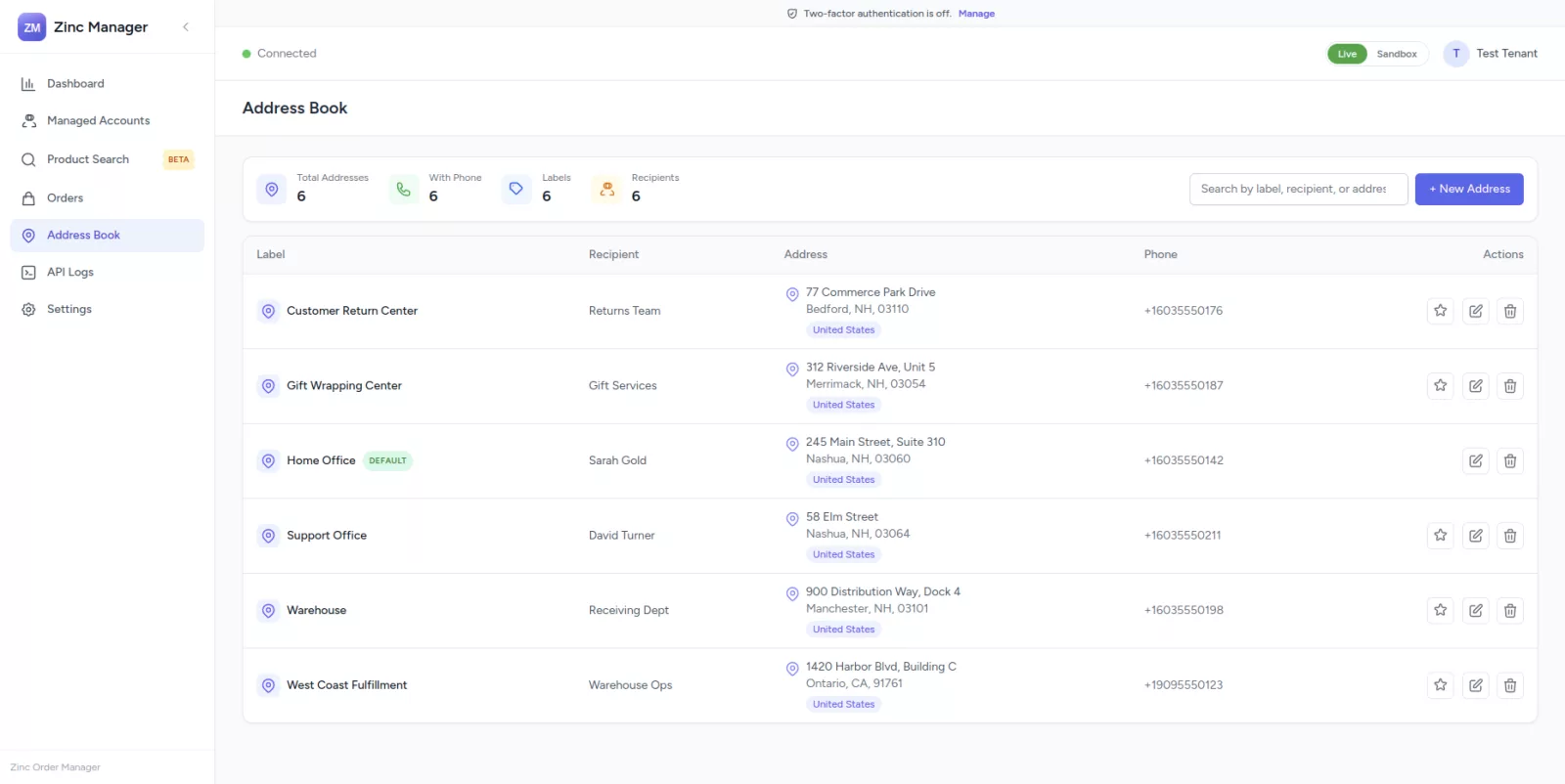
Everything your shipping information needs, kept in one place.
Save it once. Select it any time you create an order.
Save Frequent Addresses
Store the shipping addresses you use most, so you never re-type them again.
Custom Labels
Label each address, like Home Office, Warehouse, or Customer Return Center.
Recipient Information
Attach a recipient name and phone number to every saved address.
Edit Anytime
Update an address when details change, without touching past orders.
Delete Outdated Addresses
Remove addresses you no longer use to keep your list clean.
Use During Order Creation
Select any saved address directly in the Shipping step of order creation.
One Default Address
Mark one address as the default so it's pre-selected automatically.
Consistent Across Orders
The same address stays accurate and consistent across every account and order.
Create it once. Reuse it across your orders.
Stop re-entering the same shipping details.
Build your Address Book once, then reuse it across every managed account and every order you create.